
Visualizing Market Share Data With Pie Charts: An Engaging, Actionable Guide
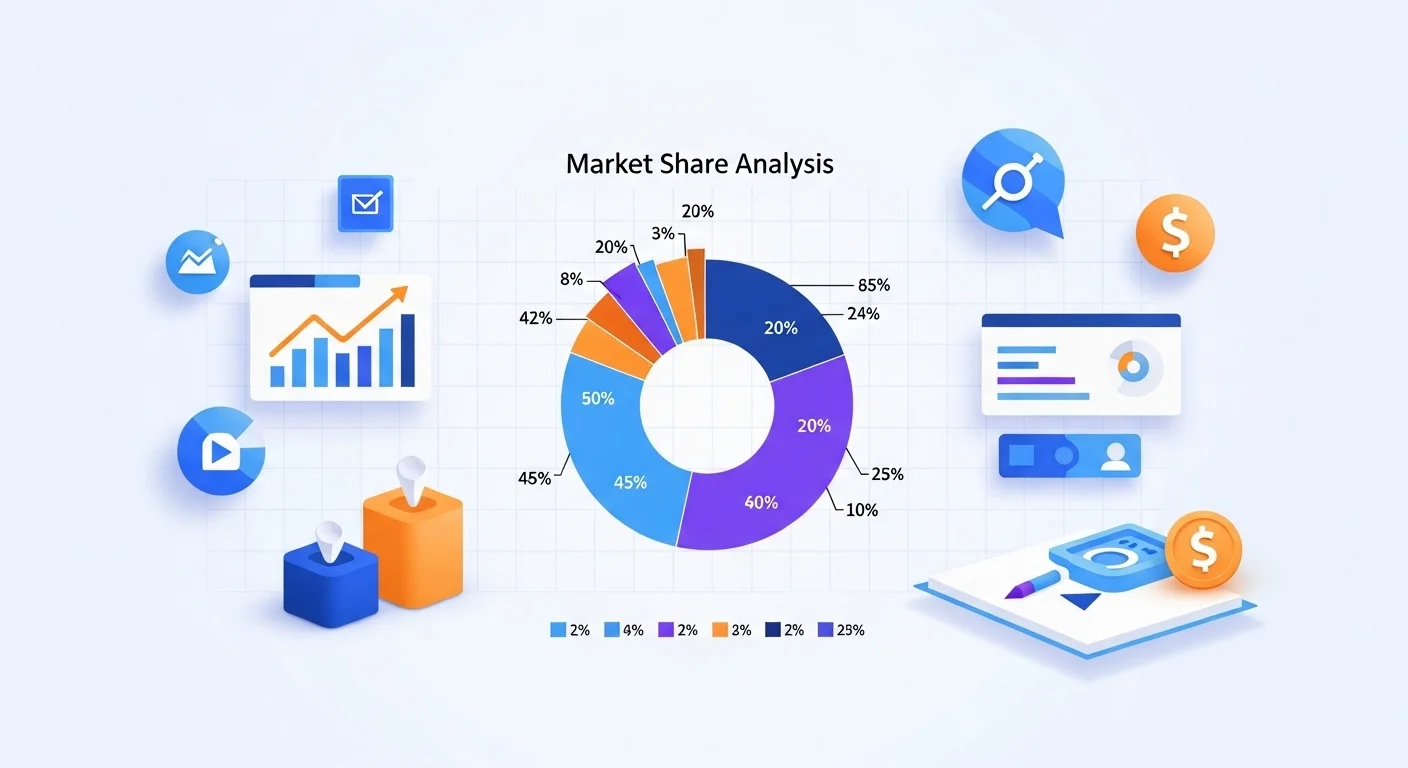
In today’s data-driven world, visualizing market share data with pie charts is more than just a nice-to-have; it’s a strategic way to make complex business information instantly understandable. Whether you’re presenting to executives, pitching to investors, or analyzing competitive landscapes, pie charts can distill percentages into intuitive, memorable visuals. If you’re looking to simplify your workflow, tools like a reliable pie chart generator can help you turn raw numbers into polished graphics in minutes.
Market share is one of those business metrics that everyone thinks they understand, but when you lay it out visually, patterns and opportunities often leap off the page. In this article, we’ll explore why pie charts work, how to use them strategically, and best practices for actionable insights, backed by research and real-world examples.
What Is Market Share , And Why Visualize It?
At its core, market share refers to the percentage of total sales or revenue in an industry that a company or product controls. It’s a key indicator of competitiveness, dominance, and growth potential. Analysts often compute concentration ratios to quantify the concentration of an industry by summing the market shares of the largest players. The higher the ratio, the more dominant the top firms are.
Visualizing this data brings clarity. Instead of wading through tables of numbers, a graphic instantly shows:
- Who leads the market
- How much smaller competitors trail behind
- Whether market power is concentrated or distributed
That’s where pie charts shine.
Why Pie Charts Work for Market Share
Pie charts are a part-to-whole visualization, meaning they’re designed to show how each segment contributes to the entirety. When your data adds up to a whole, like total industry sales, the circular design helps audiences grasp proportions immediately. Studies show that data visualizations improve comprehension and engagement, with 85% of people saying visuals help them understand information better than text alone. Gitnux
Here’s why pie charts are particularly effective for market share:
Clear Representation of Proportions
With pie charts, each “slice” corresponds to a market segment’s share of the total. This makes it easy to see:
- Which competitor is dominant
- How market power is divided
- Where opportunities or threats exist
A slice that takes up half the pie signals dominance almost instantly, something tables can’t achieve.
Visual Simplicity
Pie charts excel when you have a relatively small number of categories. For example, showing the market share of the top 3–6 companies gives a clear picture without overwhelming your audience. According to visualization best practices, limiting categories helps retain readability and impact.
Quick Comparisons
You don’t need to read numbers to see trends; the eye immediately picks up relative sizes. That makes pie charts ideal for presentations, executive summaries, and board meetings where time and attention are limited.
Best Practices for Creating Effective Pie Charts
Pie charts are simple in concept but easy to misuse. Here’s how to make sure yours are effective:
1. Keep It Focused
Only use pie charts when your data is genuine parts of a whole (i.e., percentages summing to 100%). Too many slices can dilute impact and confuse readers. Aim for 3–6 segments for maximum clarity.
2. Label Clearly
Always include percentage labels and legends. This combines visual intuition with precise numbers so your audience doesn’t have to guess what each slice represents.
3. Use Color Wisely
Choose contrasting but harmonious colors to differentiate slices. Avoid overly bright or clashing palettes , your goal is clarity, not distraction.
4. Avoid 3D Effects
3D charts may look visually appealing, but often distort the perception of slice sizes. Simple 2D pie charts are almost always more accurate and easier to interpret.
5. Pair With Supporting Context
A pie chart on its own is a snapshot. Consider adding a brief narrative explaining why the distribution looks the way it does and what it means for strategy.
Examples: Pie Charts in Action
Let’s look at a few scenarios where visualizing market share with pie charts unlocks insights.
Competitive Landscape Overview
Imagine you’re presenting to leadership about the competitive environment. A pie chart showing each competitor’s share instantly reveals whether the industry is dominated by a few firms or spread across many smaller players.
For instance, if three companies control more than 70% of the market, you might be operating in an oligopolistic space , which has implications for pricing strategy and marketing investment.
Strategic Planning
Teams use charts to identify growth opportunities. For example, if one product segment holds only 15% market share while competitors have larger slices, your strategy session might focus on initiatives to capture a bigger slice of demand.
Investor Relations
Investors love visuals. A clean pie chart illustrating your company’s market share alongside competitors makes complex data instantly evident , helping you tell a persuasive story of growth or competitive advantage.
Performance Tracking Over Time
Tracking share changes across periods can also be eye-opening. By showing multiple pie charts side by side (e.g., Q1 vs. Q4 share), stakeholders can see trends and whether your market position is strengthening or weakening.
Actionable Tips for Using Pie Charts Strategically
Here are actionable insights for applying pie charts in your next project:
Integrate With Dashboards
Pie charts can be part of interactive dashboards where users can filter by region, product line, or time period. This allows deeper exploration without cluttering a single chart.
Combine With Other Visualizations
Use pie charts for part-to-whole views, and pair them with bar charts or line graphs for trend analysis. For example, show overall share distribution with a pie chart and month-by-month changes with a line chart.
Leverage Tools for Efficiency
Modern analytics platforms and business intelligence (BI) tools streamline the creation of pie charts and other visuals. Whether it’s a BI suite, spreadsheet software, or a dedicated pie chart generator, these tools save time and reduce errors.
Conclusion: Pie Charts Are More Than Just Pretty Graphics
Visualizing market share data with pie charts transforms raw numbers into actionable insights. By presenting clarity, facilitating comparison, and engaging your audience, well-designed pie charts help you make smarter business decisions. Remember, the goal isn’t just to make charts but to tell a story with your data.